
Know what your next vehicle software update will change.
Clear guides to infotainment, over-the-air updates, and connected services, so you can prepare with confidence.
AutoUpdate Coverage provides informational resources about vehicle software only. We are not an insurer, carrier, underwriter, agent, broker, or marketplace, and nothing here is insurance advice.
About the brand
Vehicle tech, explained the way owners actually use it.
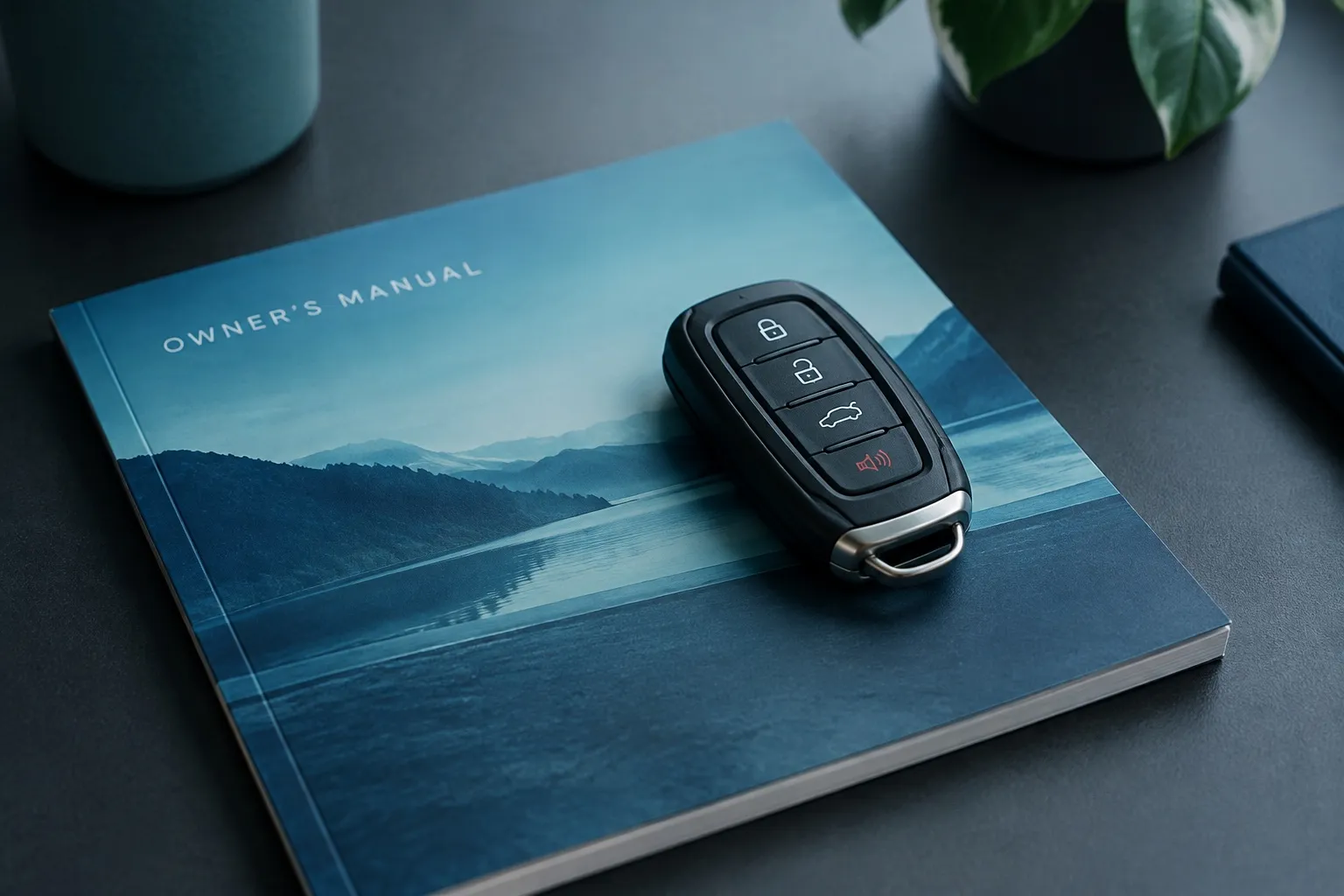
Built for owners, not jargon
Modern vehicles change after you drive them home. Menus move, features arrive, and settings shift. We explain those changes in clear language so you can stay confident behind the wheel.
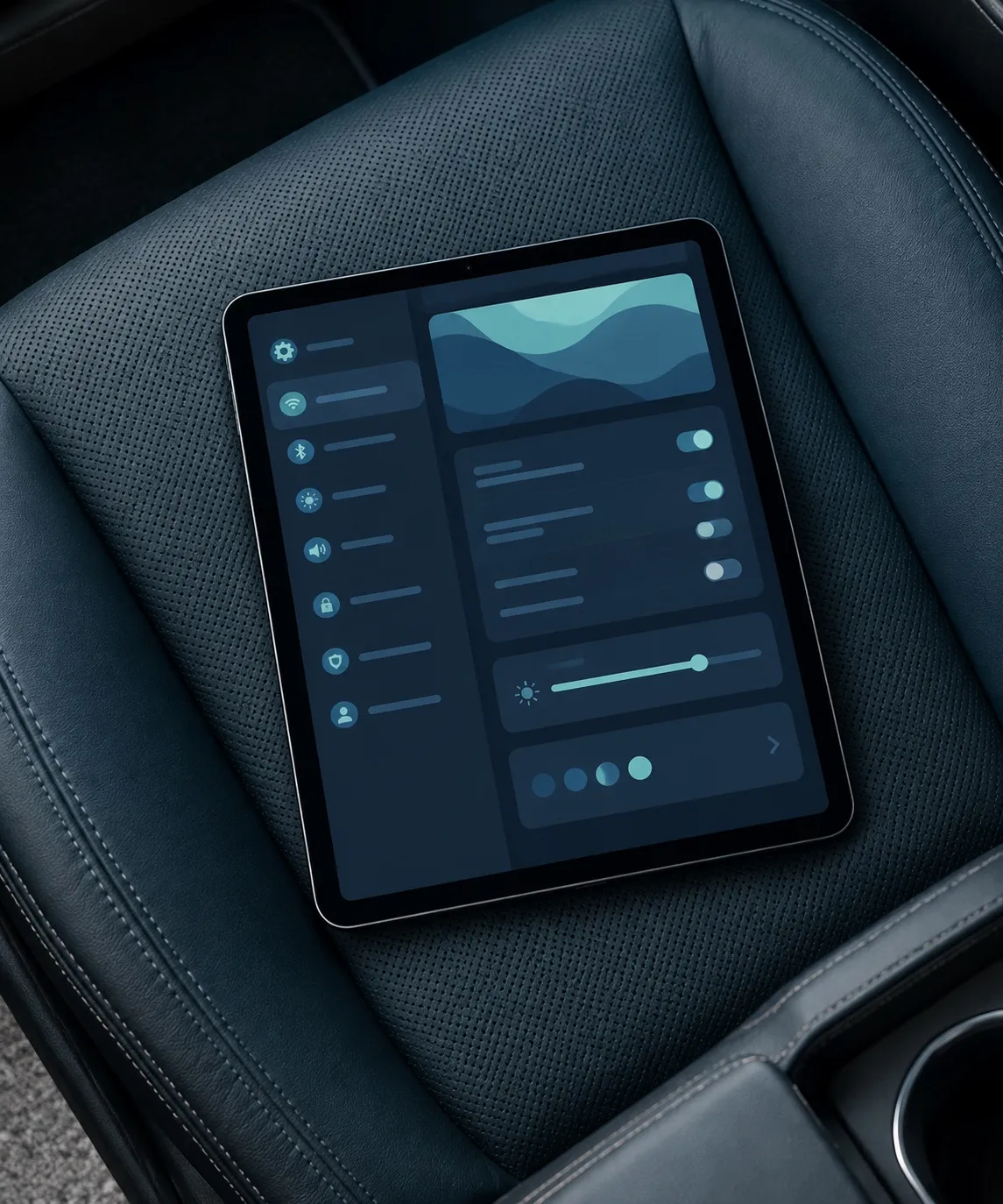
Independent and informational
We do not sell vehicles, software, or coverage. Our guides help you understand updates, connected services, and compatibility, then make your own informed choices with your manufacturer or dealer.
Explore the guides
Start with the topic on your screen today.
1 of 4
Infotainment basics
How your center screen, apps, and voice controls get new features, and what to check after an update changes the menus.
Read more about Infotainment basics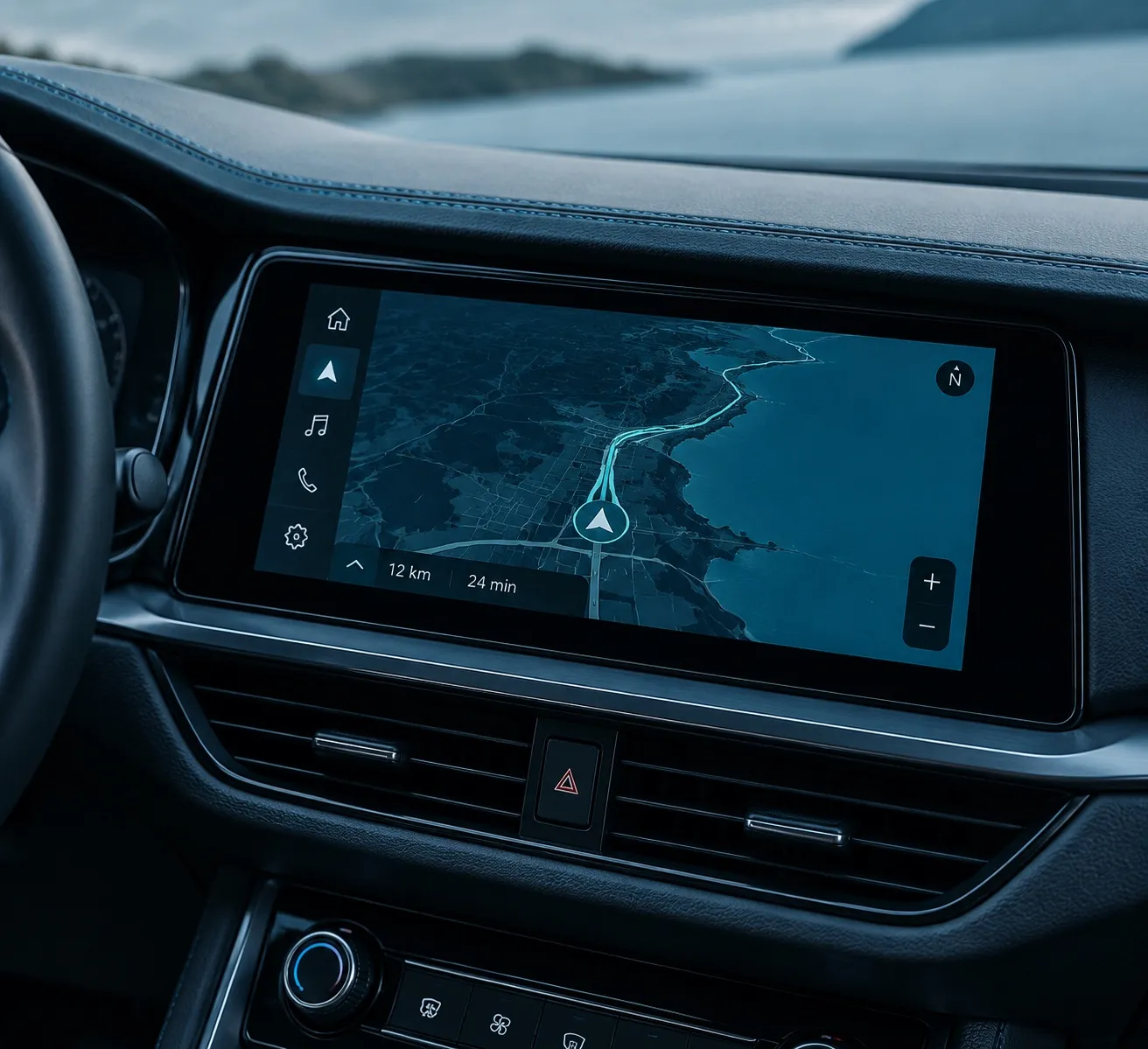
Features, tools, and resources
Free resources you can use right now.
1 of 3
Software terminology guide
Plain-language definitions for OTA, firmware, ECU, head unit, and the other terms you see in release notes.
Read more about Software terminology guide
How it works
Three simple habits for smoother updates.

Learn the terms
Start with the terminology guide so release notes and settings screens make sense.

Prepare your vehicle
Use the checklist to confirm connectivity, battery level, and saved preferences before an update.

Stay in the loop
Optionally subscribe to receive tips and new resources by text, on your terms.
Want tips by text?
Subscriptions are optional. Choose account notifications, vehicle software tips and new resources, both, or neither. We never sell or share your mobile number, and our content is informational only.
Articles and resources
Fresh reads for owners.

Vehicle software
Planning an install window that fits your week
Updates often need the vehicle parked and idle. Here is how to pick a time that will not disrupt your commute.
Infotainment
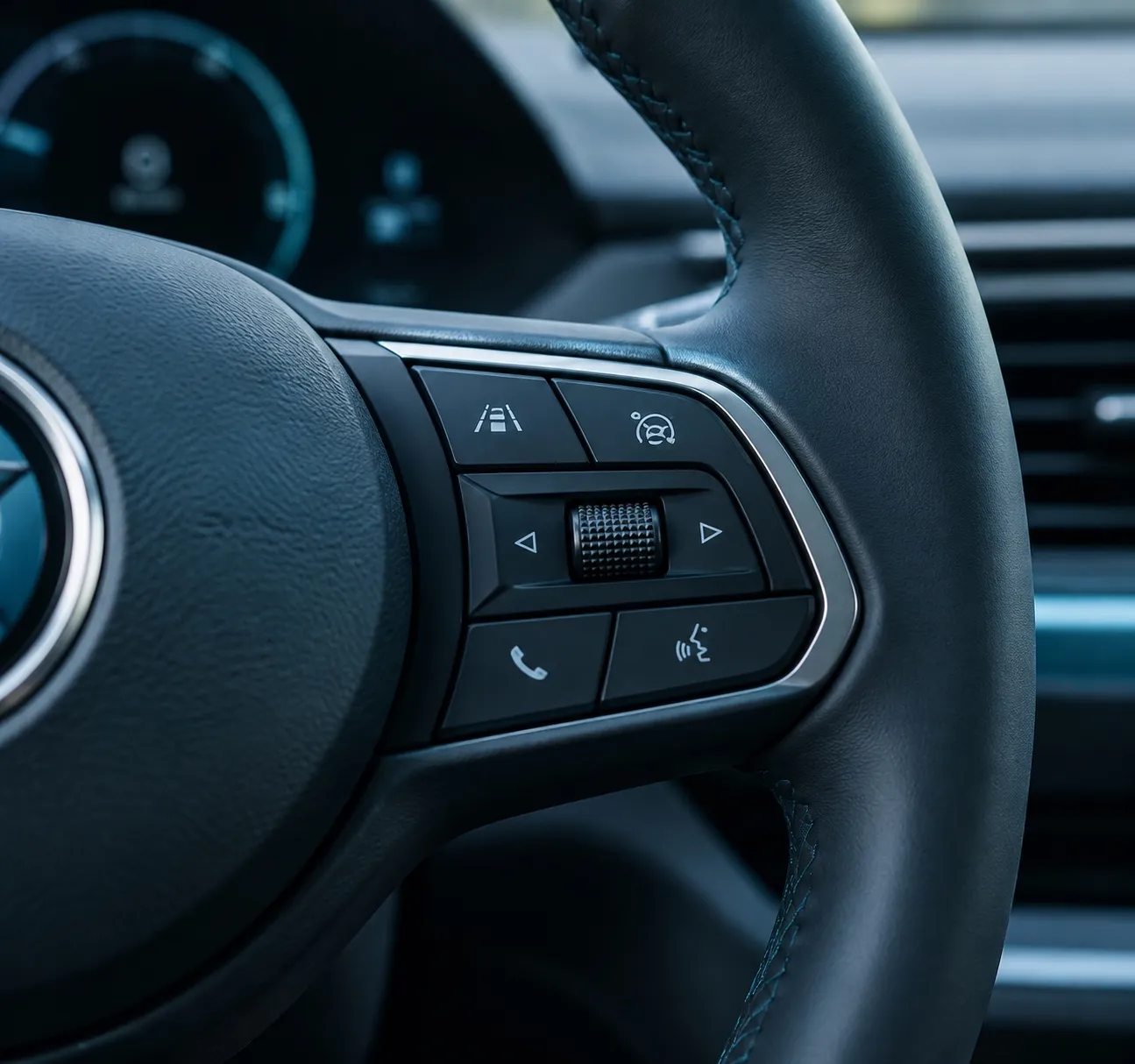
When steering wheel controls behave differently
Button mappings and voice shortcuts can change with new software. A quick test drive routine helps.

Connected services
How charging settings and software updates interact
For electric and plug-in vehicles, updates can adjust charge schedules and app features.
Vehicle software
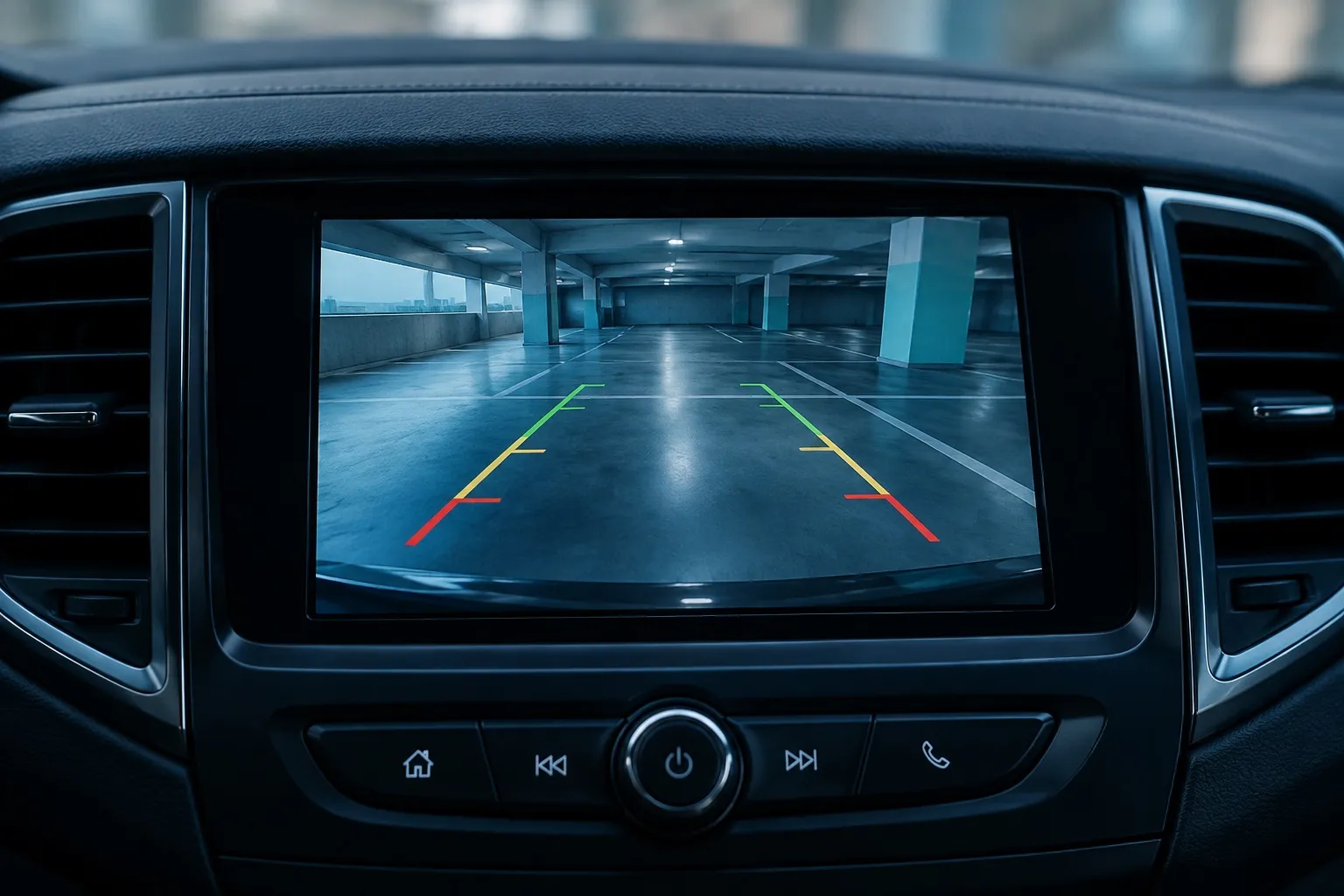
Quick display and camera checks after an update
A two-minute routine to confirm screens and cameras look right after new software installs.